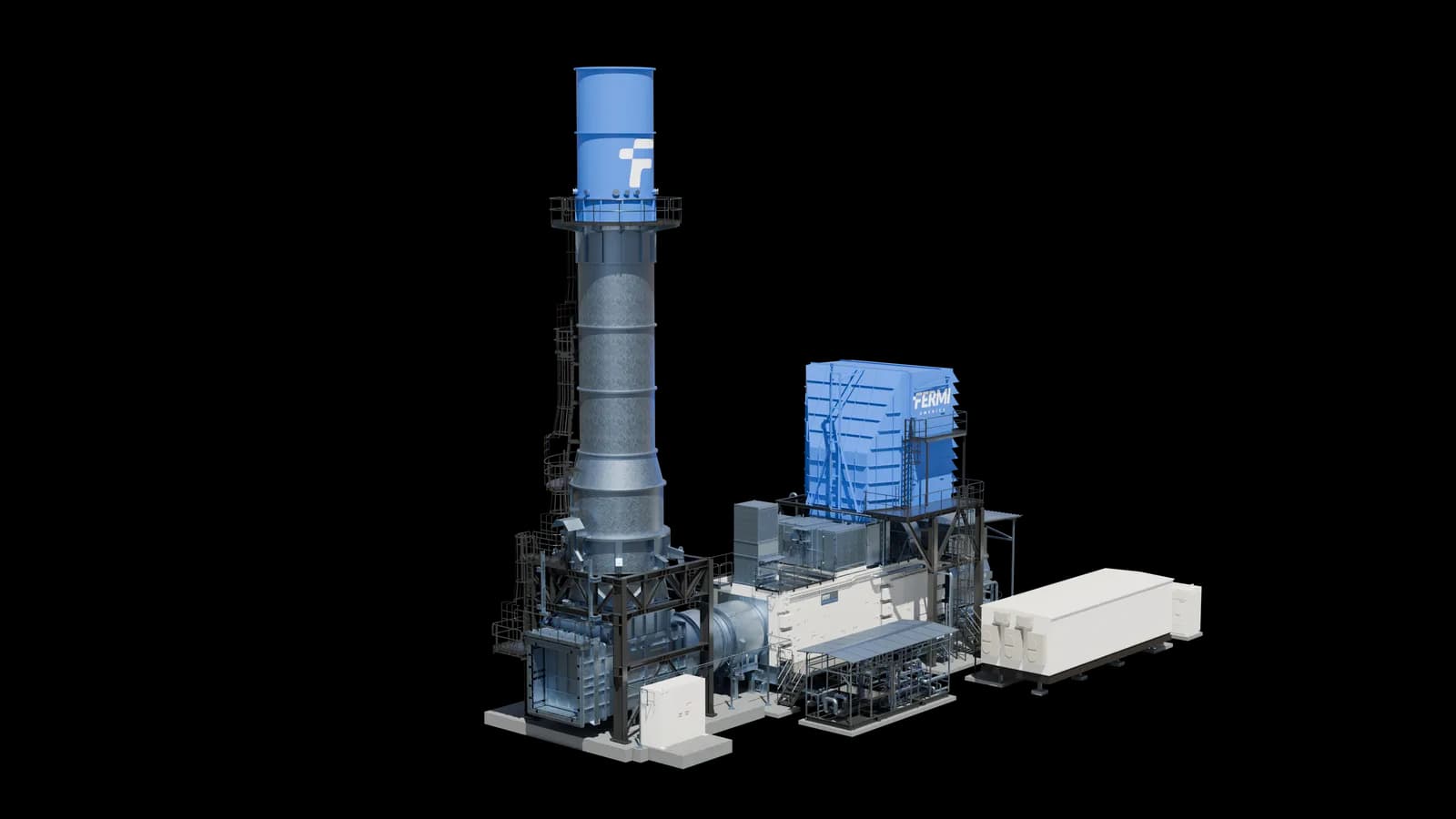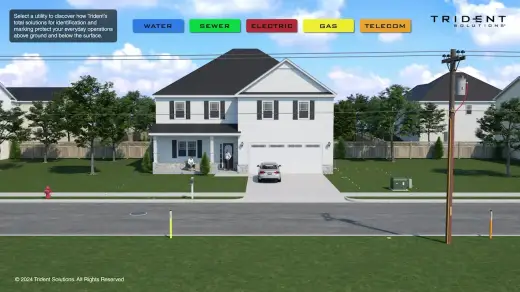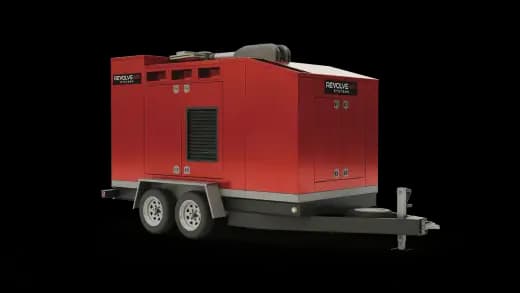

Explainers
What Is Industrial 3D Product Visualization in 2026
Industrial 3D product visualization turns engineering CAD into renders, video, Web AR, and interactive 3D. Here's how manufacturing teams use it.
Mainstay Digital · · 6 min read
Short answer
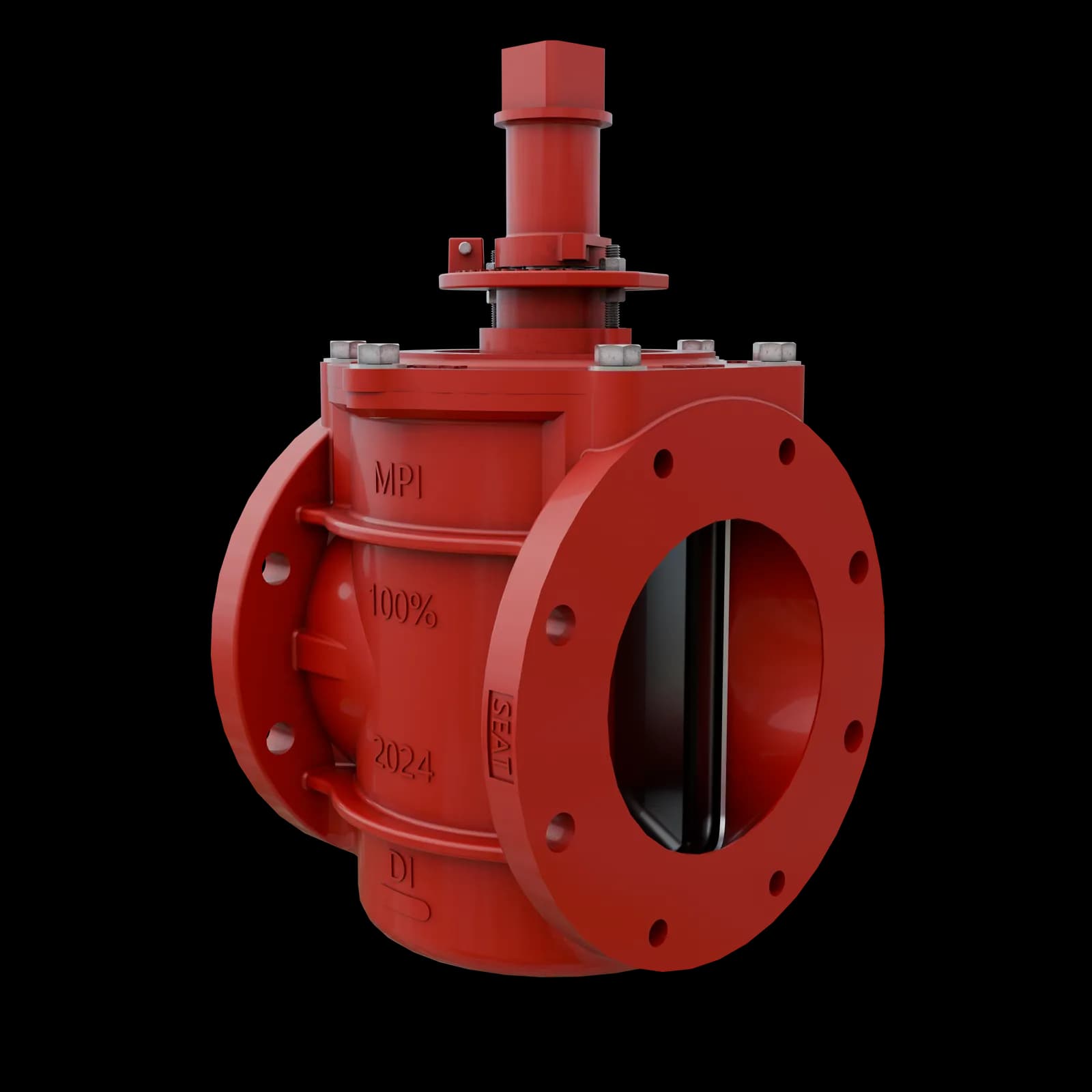
Industrial 3D product visualization is the practice of turning engineering CAD (STEP, IGES, SolidWorks, NX, or Inventor files) into photoreal renders, video, Web AR, and interactive 3D that show a machine to buyers who can't stand next to it. Manufacturing teams use it for 3 jobs: product understanding, sales enablement, and stakeholder confidence. One 3D master per product feeds all 5 output types.
Manufacturing companies use industrial 3D product visualization wherever a camera can't reach: inside a palletizer's housing, around a robot cell at full scale, across a packaging line that hasn't shipped yet. A VP of product marketing gets assets that explain the machine, a dealer sales rep gets something to open on a call, and an engineering lead gets a render to review during design validation.
What is industrial 3D product visualization?
Manufacturing visualization is the wider field. Industrial 3D product visualization is its product-facing part: showing a buyer the machine itself, built from the engineering CAD.
Capital equipment is big, often bolted into a customer's plant, and sometimes sold before the first unit ships. The things a buyer most wants to see sit where a camera can't go: the internal mechanism, the guarding that comes off for service, the same base machine in 3 configurations, the throughput at line speed.
Built from CAD, the camera goes anywhere. Through a housing, inside a cabinet, above the line looking down. The cutaway and the exploded view become modeling decisions.
Accuracy carries the weight here. The model has to match the engineering, down to the weld, because the people evaluating it can spot a wrong bracket.
How do manufacturing companies use industrial 3D product visualization?
Product understanding
A sealed machine hides the parts that sell it. Labeled hotspots walk a buyer through the mechanism without a teardown. Our catalog includes a hotspot-guided MRSI-705 die bonder and the Scott BladeStop safety band saw, where the blade stops in under 10ms.
Sales enablement
Reps need something to open on a call and leave behind afterward. Boon Edam's interactive 3D ecosystem drew 52% engagement versus 36% for static formats, and sales cycles ran 2 to 3 weeks faster. A rep sends a link where they used to send a PDF.
Stakeholder confidence
Buyers trust what looks consistent and exact. Microdrones was showing a diverse drone and payload lineup with outdated photos, stock imagery, and mismatched formats. We built a library of photoreal renders matched to exact specs, and the results were a 40% increase in perceived credibility, 25% faster decisions, and 30% better lead quality.
Internal stakeholders count too. Industrial design visualization (reviewing a design before it's built) uses the same renders: our catalog includes the Ross Video Ultrix routing platform, rendered for design validation.
What are the 5 output types?
| Output | What the buyer sees | Turnaround | Typical home |
|---|---|---|---|
| Product stills | Every face, finish, and weld from the CAD, with no shoot and no line shutdown | 1 to 2 weeks | Web pages, spec sheets, brochures |
| Web AR | The machine at true scale in the buyer's own space, no app | 3 to 4 weeks | Booths, remote demos, QR entry |
| Hotspots | Labeled callouts that explain the mechanism step by step | 3 to 4 weeks | Any device, real-time WebGL |
| Product videos | 60 to 90 seconds of how the machine runs, narrated | 4 to 6 weeks | Booth loops, sales decks |
| Interactive 3D | A clickable build the buyer drives themselves | up to 8 weeks | Websites, floor iPads, live calls |
3D product rendering is the first row, the photoreal stills. The other 4 add motion, true-scale placement, and buyer-driven exploration.
You'll likely want several. Static content can't show an internal mechanism, an alternate configuration, or a use case at scale, and a single 3D asset carries across renders, video, AR, web, and the show floor.
How does CAD become a finished output?
The path has 5 steps, and the 3D master in step 2 gets built once per product.
- Intake. Choose a deliverable, upload your STEP file, and answer 3 to 7 questions. The platform routes the rest.
- The 3D master. The file becomes a marketing-ready model, matched to the exact specs in the CAD.
- Outputs. Stills, Web AR, hotspots, video, and interactive 3D all come off that master.
- Review. A first draft lands in weeks. You revise as many times as you need, and your team sees every stage.
- Publish and measure. The asset goes into your sales stack, and you watch which features buyers open.
One tradeoff to know about: browser and AR models give up the last few percent of shadow and texture in exchange for running anywhere with no install. Use stills and video for hero content, and interactive 3D for buyers who want to explore. Both come off the same master.
Who builds it, and what does it cost?
Mainstay Digital is a 3D visualization platform for industrial and manufacturing companies, with a US-based in-house pipeline and no overseas hand-offs. The team has delivered 1,250+ assets to 150+ industrial brands, including Kawasaki Robotics, KUKA, Baxter, Boon Edam, and Pearson Packaging.
Product visualization software gives your own team tools to build 3D. Mainstay One works the other way: the team builds the assets from your STEP file, and Brizo publishes them.
Mainstay One comes in 3 plans:
- Basic, $2,995 a month: unlimited stills and Web AR.
- Immersive, $3,995 a month: adds full-production video and hotspot experiences.
- Momentum, $7,995 a month: adds custom interactive experiences and 3 assets at a time.
Each plan adds a one-time $2,500 onboarding fee, and you can cancel anytime with 30 days notice.
If you'd like to see what a first asset would look like, start a request.
Frequently asked questions
What files do you need to start?
A STEP file, though IGES, SolidWorks, NX, and Inventor files work too, so engineering rarely has to build anything new. Good CAD makes the work faster and more accurate.
How long does industrial 3D visualization take?
It depends on the output. Stills take 1 to 2 weeks, Web AR and hotspots 3 to 4 weeks, product video 4 to 6 weeks, and interactive 3D up to 8 weeks. Basic and Immersive run 1 asset at a time, and Momentum runs 3.
Can our engineering team just use the CAD?
CAD is accurate engineering output, and it takes real work to turn into marketing content. Pulling senior engineers off the roadmap to build it is the most expensive 3D a company can produce.
Do buyers need a headset or an app?
No. Most of the return is web based: photoreal renders, interactive 3D on your site, and Web AR that runs in a phone browser with no app. A QR code or a link opens it.
How do manufacturers measure whether it works?
AR analytics come with every plan, and hotspot analytics come with Immersive and Momentum, so you see which features buyers engage with. Client results include Yaskawa's 66% higher engagement and 30% better lead quality from Web AR.