
Guides
How to Show Maintenance Access and Changeovers in an Industrial 3D Demo
Build the demo around the serviceability questions buyers ask, then have engineering check every depicted position and movement.
Mainstay Digital · · 5 min read
Short answer
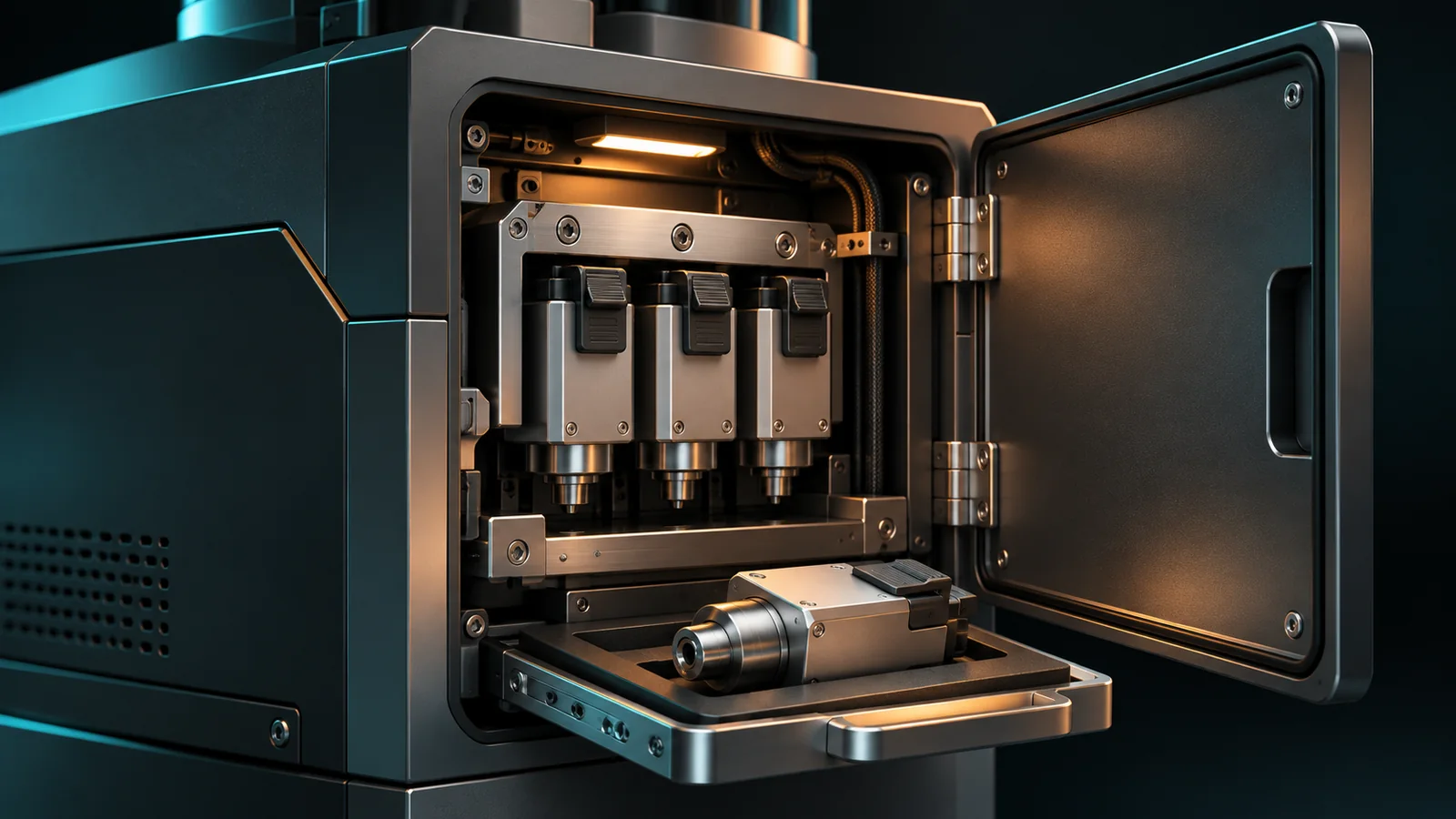
Show maintenance access and changeovers with views that answer specific buyer questions: what opens, which components can be reached, and what differs between product formats. Use approved CAD, clear labels, and engineering review. A sales demo explains the design; the manufacturer's documentation governs actual work on the machine.
The buyer likes the output specification. Then the maintenance lead joins the call and asks a different question: “How do we get that assembly out?”
A front-facing product photo offers little help. A carefully planned 3D view can put the assembly, its access opening, and the surrounding equipment in the same conversation.
Which serviceability questions should the demo answer?
Ask sales and service to bring the questions that repeat during evaluations. Turn those into the demo brief.
Useful questions include:
Where are the inspection and service access points?
Which side does a removable assembly leave from?
What surrounding space does the manufacturer specify?
Which components differ between the buyer's product formats?
Which details need a technical review for this installation?
Keep the first demo focused on the few questions that affect the purchase. A complete service manual and a buyer's walkthrough have different jobs.
The remote equipment evaluation guide covers the wider buying journey. Here, the focus is the maintenance lead's part of that evaluation.
Show the space around the component
An isolated component can look accessible because the model has removed everything in its way. Show enough surrounding geometry to make the view useful.
For an access question, that may mean the closed and open panel positions, the adjacent frame, and an approved depiction of the component's removal path. Where a dimension matters, use a value supplied and approved by engineering.
Separate a visual indication of space from an installation requirement. A shaded area in a demo should explain what it represents, such as door movement or a specified service clearance. Avoid making it look like a verified site layout.
A buyer's actual installation still needs the appropriate layout and engineering checks. A model on a screen cannot establish that a particular technician, tool, or lifting arrangement will fit.
Choose the view that answers the question
The most interactive format is not automatically the most useful one. Choose by what the buyer needs to compare.
| Buyer question | View to consider | Detail to keep visible |
|---|---|---|
| Where is the access point? | Labeled still or hotspot | Panel location on the complete machine |
| What is behind the panel? | Approved open-panel view | Component position and surrounding frame |
| How is the assembly arranged? | Exploded view | Clear relationship to the installed position |
| What differs between formats? | Matched side-by-side views | Changed parts and unchanged reference points |
| How does the intended sequence work? | Reviewed animation | Sequence context and explanatory labels |
An exploded view explains relationships. It should not imply a physical removal sequence unless engineering has specifically approved that interpretation.
For the broader format comparison, see showing internal mechanisms and cutaways.
How should you depict a format changeover?
Begin with the approved starting and ending configurations. Identify what changes between them, then decide which differences the buyer needs to see.
Hypothetical example: a packaging machine handles 2 carton sizes. The demo might compare the approved guide positions, show the format-specific parts, and identify the adjustment points at a high level. The buyer can understand the design differences without receiving instructions to perform the work.
Keep the comparison anchored to the same camera angle and machine position. If the camera, lighting, and unrelated options all change, buyers have to work out which difference matters.
Do not use animation duration as evidence of changeover time. A shortened sequence is an explanation, and any measured time claim needs its own basis and stated conditions.
What should engineering check before approval?
Review the demo with the person responsible for the depicted mechanism and the service information. Give them specific checks:
Does the model show the right revision and option package?
Are open positions and depicted movements physically possible?
Have surrounding parts been hidden in a way that changes the story?
Do labels distinguish explanatory graphics from specified dimensions?
Does any scene suggest an unapproved procedure or unsupported performance claim?
Review the explanatory text alongside the visual. “Easy access” may mean something different to the designer and to a buyer maintaining several shifts of production.
This review is about sales content. Actual servicing requires the manufacturer's current instructions and applicable site procedures.
Give sales a useful follow-up
Give reps the approved demo and a short list of questions it leaves open. Ask the buyer which assembly, product format, and installation constraint they want to discuss next.
Record those questions for the technical evaluation instead of promising that the visualization has settled them. A good demo makes the next engineering conversation more specific.
For a serviceability-focused asset, start a request with the approved CAD and the buyer questions. Keep later design changes tied to the asset update process.
Frequently asked questions
Is a cutaway enough to explain maintenance access?
A cutaway shows what is inside. Access questions also need the opening, surrounding geometry, and relevant approved dimensions or positions.
Can we show a component moving out of the machine?
Yes, when engineering approves the depicted path and context. Label an explanatory view so buyers do not confuse it with a complete work procedure.
Does a changeover animation prove how long the work takes?
No. An animation explains a sequence. A time claim needs evidence from the relevant process and conditions.
Should buyers be able to explore every internal part?
Show the information needed for the evaluation and approved for disclosure. More detail can distract from the question or expose information that does not belong in public content.
Can this replace service training?
A sales walkthrough is not a substitute for the manufacturer's instructions or training. Its job is to help buyers understand the design and ask better evaluation questions.