
Guides
How to Plan Industrial Product Launch Visuals Before the First Machine Is Built
Build the launch around approved design information, a clear asset sequence, and claims your team can support.
Mainstay Digital · · 5 min read
Short answer
Plan industrial product launch visuals in 3 passes: agree on what can be shown, build the smallest set of assets that answers buyer questions, and approve each visual against the current design. CAD lets production start before photography is possible. It does not establish the machine's performance or availability.
The product announcement is booked. The first unit is still in assembly, and the only available photograph shows a machine without its final guarding.
That is a useful moment for CAD-based content. The job is to show the intended product clearly while keeping the boundary between design and demonstrated performance visible.
What can you show before the first machine exists?
Start with the design status. Ask engineering which revision can appear publicly, which options belong to the launch, and which details remain provisional.
A render can depict the planned exterior. An animation can explain an intended operating sequence. Neither proves that the first unit has passed testing.
Keep a short approved-claims list beside the model. Separate 3 things: what the design depicts, what testing has established, and what the business has committed to deliver. If a detail is preliminary, label it wherever the visual travels.
Our guide to uses for 3D product demos includes launch teasers. This plan covers the decisions behind that teaser.
Start with the buyer questions your launch must answer
Choose 3 questions before choosing camera angles:
What is new about this machine?
Which production problem does the new design address?
What should an interested buyer do next?
Then name the evidence each answer needs. A new access door can appear in a still. A changed material path may need an animation. A throughput claim needs supporting test information, whatever format carries it.
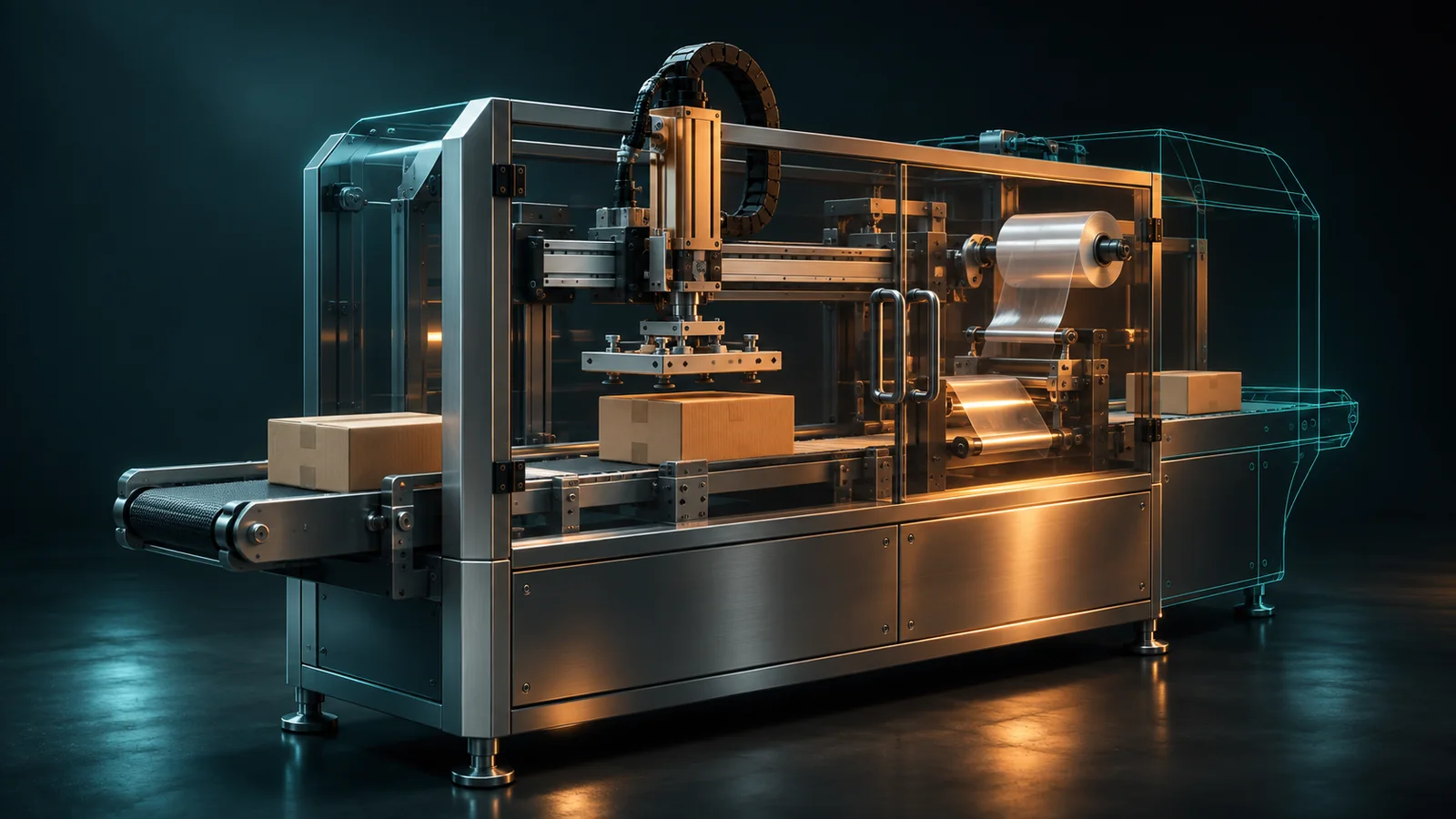
Hypothetical example: an OEM plans a compact case packer with a revised infeed. The launch can show the shorter intended layout and explain the infeed concept from approved CAD. Until the OEM validates production results, the content should avoid promising a faster cycle or smaller installed footprint than the approved information supports.
Build the launch assets in order
Release content when its inputs are ready. A full interactive experience does not have to hold up an announcement that only needs a clear first look.
| Launch moment | Buyer question | First asset to consider | Approval needed |
|---|---|---|---|
| Announcement | What is it? | Exterior hero still | Public design, finish, configuration |
| Product page | What changed? | Detail stills with short explanations | Feature names and supported claims |
| Sales introduction | How does the concept work? | Short product video | Sequence and narration |
| Detailed evaluation | Can I inspect the important parts? | Hotspots or interactive 3D | Visible internals and option scope |
| Post-build update | What shipped? | Reviewed final assets | Released production design |
This is a planning sequence, not a requirement to buy every format. Pick the smallest set that answers the launch questions. The 3D demo choices guide helps with the format decision.
What goes in the production brief?
Send the CAD revision, the intended configuration, and one owner for consolidated feedback. Add approved colors, finishes, logos, and the views you need.
The launch-specific details matter most:
Public announcement date and any embargo.
Design elements still subject to change.
Approved claims and the person who owns them.
Required crops for the product page, email, presentation, and social channels.
Labels that must stay attached to preliminary views.
Ask the production team what can be completed with those inputs and what would trigger a revision. Work backward from review and approval time as well as production time.
Approve the visual and the claim separately
Engineering checks geometry, options, and depicted motion. Product marketing checks the story and channel requirements. The owner of a performance claim checks its supporting evidence.
Review narration, captions, and the surrounding page too. A correct render beside an unsupported sentence still makes a misleading launch asset.
Give each approval a clear scope. “Exterior approved” should not become approval of a narrated capacity claim. If the design changes before launch, identify every affected shot before exporting the final files.
After the product ships, move ongoing updates into the normal 3D asset change management process.
Hand sales a launch kit they can use
Give reps the approved visuals, a short explanation of what is new, and the next step for interested buyers. Include the product's current availability status and the questions that still require an engineering conversation.
Keep preliminary labels in the exported assets, not only in an email to sales. A rep may forward a single image without the original message.
If the launch needs CAD-based stills, video, or a guided experience, start a request with the announcement date and the design status. That gives the production discussion a concrete starting point.
Frequently asked questions
Do we need a physical prototype for launch visuals?
CAD-based visuals can start before a physical prototype is ready. The team still needs an approved design baseline and a clear account of what remains preliminary.
Should we build every format before announcing the product?
Start with the formats the announcement needs. Add deeper exploration when buyers need it and the underlying information is ready.
Can an animation demonstrate a throughput improvement?
It can explain the intended mechanism. The performance claim needs separate evidence, and the animation should not imply a measured result that testing has not established.
Who should approve the finished launch assets?
Engineering approves the depicted product, product marketing approves the message, and the relevant claim owner approves performance or availability statements.
What happens when the final machine differs from the launch render?
Review the affected assets against the released design, replace outdated versions, and give sales a short note explaining the change.