

Guides
How to Build a Fast-Loading 3D Product Page That Still Works Without 3D
Give buyers the product essentials first, then let them open the interactive experience when they need it.
Mainstay Digital · · 5 min read
Short answer
Build a 3D product page around an immediate still image, readable product information, and a clear action to load the model. Keep specifications and the next sales step available outside the viewer. Test the page on phones, slower connections, and keyboard navigation, including the case where 3D never loads.
A buyer opens your product page from a phone between meetings. They want to check a dimension and send the machine to a colleague. The page gives them a blank rectangle while the viewer starts.
The 3D may be excellent once it arrives. The first screen still needs to answer the buyer's question.
What should buyers see before 3D loads?
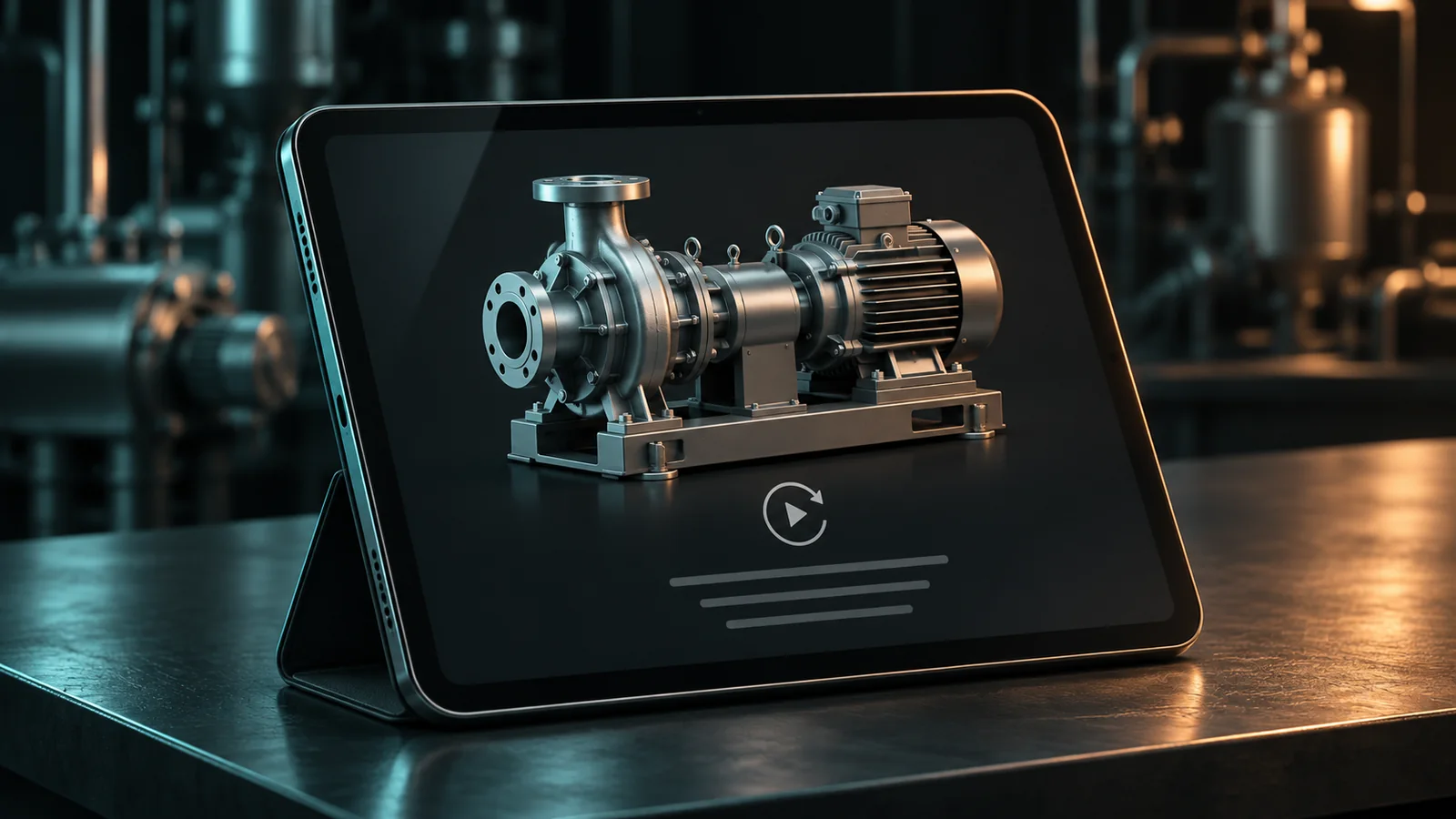
Start with a useful product still, the machine name, a short explanation, and the next action. Pick a view that identifies the product without requiring rotation.
Place a clear “Explore in 3D” button on or beside that image. Tell buyers what they can do after opening it, such as rotate the machine or inspect labeled features. Match that instruction to the actual viewer.
Keep the first-screen image available promptly. Google's web.dev loading guidance advises against lazy-loading images in the initial viewport, including hero images. Defer heavier, noncritical content instead of delaying the product's first useful view.
This is page-planning advice for your web team. The exact loading behavior depends on the viewer and how the page is built.
Load the experience deliberately
A poster image and an explicit load action give buyers a choice about opening the heavier experience. Ask your developer to confirm that the implementation actually defers the model and related resources, rather than covering an already-loading viewer with an image.
Viewer controls differ. For example, the model-viewer documentation describes poster and reveal controls. That is one implementation reference, not a statement about the technology used by Mainstay or Brizo. Your team should check the equivalent capabilities in your selected viewer.
Reserve the viewer's space in the layout so opening it does not push the specification table or inquiry button away. Keep loading feedback visible and offer a way to return to the stills.
Ask the team to measure the full page, including embedded scripts, images, and the model. A small model file alone does not establish that the page will feel fast.
Keep product information outside the viewer
Put core specifications, option names, and the main feature explanations in ordinary page content. A buyer should not have to find a hotspot to learn the machine's stated dimensions.
W3C's images guidance calls for text alternatives that convey an image's purpose and information, with fuller equivalents for complex visual information. Apply that principle to the surrounding explanation: give the buyer useful words, not only a description that says “3D model.”
For a guided demo, write a short list of its important points below the viewer. If a feature needs a diagram, pair it with a clear explanation. Check keyboard operation and visible focus for the actual controls your page uses.
Hypothetical example: a compact filling machine has 3 features buyers compare: filling range, format options, and cleaning access. Put the approved details in the page. Use 3D to help buyers inspect the arrangement, while the comparison information remains readable on its own.
For which format fits which question, see interactive 3D vs video for sales enablement.
What should happen when 3D is unavailable?
Keep the product image, specifications, and inquiry route working. If the viewer reports a failure, show a short message with an alternative, such as viewing the image gallery or contacting sales.
Avoid a retry loop that leaves the buyer with the same blank area. Test blocked scripts, a failed model request, and a connection interrupted during loading.
Do not promise a universal browser experience from a single successful test. Confirm the supported environments with your production and web teams, then test the ones your buyers use.
The remote evaluation guide covers the information buyers need before a visit. The page should keep that information reachable even when one format fails.
Test the buying task on real devices
Give a tester a task, not just a page to inspect: “Find the dimensions, inspect the access side, and ask sales about this configuration.”
| Test | What to check | Useful result |
|---|---|---|
| Phone on a slower connection | First image, text, and inquiry action | Product essentials appear before interaction |
| Touch navigation | Scroll, rotate, and leave the viewer | The model does not trap page scrolling |
| Keyboard navigation | Load button, controls, and next link | Focus stays visible and can leave the viewer |
| Viewer failure | Block the model request | Stills, specifications, and contact still work |
| Narrow screen | Labels, table, and buttons | Important information stays readable |
Record the device, browser, connection condition, and issue. Fix the problems that prevent the buying task first.
Measure whether buyers reach the next step
Track the experience your analytics setup can actually observe: page arrival, 3D activation, successful load where available, and the inquiry action. Ask your team which events require additional instrumentation.
Compare the path with and without 3D activation. Use that to find friction, not to assume that opening a model caused a sale. Viewer users may already be more interested.
For the content itself, start a request with the product and buyer questions. Include your web team in the publishing discussion so loading, alternatives, and measurement have clear owners.
Frequently asked questions
Should the 3D viewer load automatically?
Choose based on the page and measured behavior. A deliberate load action is a useful starting point when the model is substantial or buyers often visit on phones.
Should we lazy-load the hero image too?
The first useful product image should appear promptly. Defer noncritical content rather than delaying an image buyers need on the first screen.
Is an image gallery a sufficient fallback?
It helps, but buyers also need readable specifications, feature explanations, and a clear way to ask a question.
Does a file-size target guarantee fast loading?
No. Device capability, network conditions, viewer processing, and the rest of the page affect the experience. Test the complete buying task.
Who should own the product page rollout?
Product marketing owns the buyer questions and approved content. The web team owns implementation and device testing. Assign analytics to a named owner before the page goes live.