
Guides
Persistent Product Visualization for Dealers in 2026
Industrial product visualization that stays available gives dealers the same current 3D your reps use, for calls, quotes, training, and showroom QR codes.
Mainstay Digital · · 6 min read
Short answer
Persistent industrial product visualization gives dealers and distributors a published 3D version of each product they sell for you: stills for quotes, hotspots for spec lookups, Web AR from a showroom QR code, and interactive 3D for sales calls. A one-time trade show demo stays with your booth team, while a persistent asset lives at a link dealers open themselves, on any day, on any device.
The difference between a one-time digital twin demo and persistent industrial product visualization is who can pick it up. A show demo runs on your floor with your people standing next to it. A persistent asset sits at a link, so a dealer in another time zone can open the same current 3D model on an ordinary Tuesday, and a distributor's customer can open it from a QR code.
Persistent industrial product visualization vs a one-time digital twin demo: what's the difference for dealers?
Trade show demonstrations only reach the dealers who attended. Persistent visualization reaches the dealer who sells your line the other 51 weeks, and the customer that dealer sends a link to.
A dealer can't stock every machine. A showroom might hold 1 unit of yours or none, and a rep can't ship a 4,000-pound machine to every call.
A spec sheet fills that gap poorly. Static content can't show an internal mechanism, an alternate configuration, or a use case at scale. A 3D asset can, and it travels as a link.
How does 3D help on the dealer sales call and the quote?
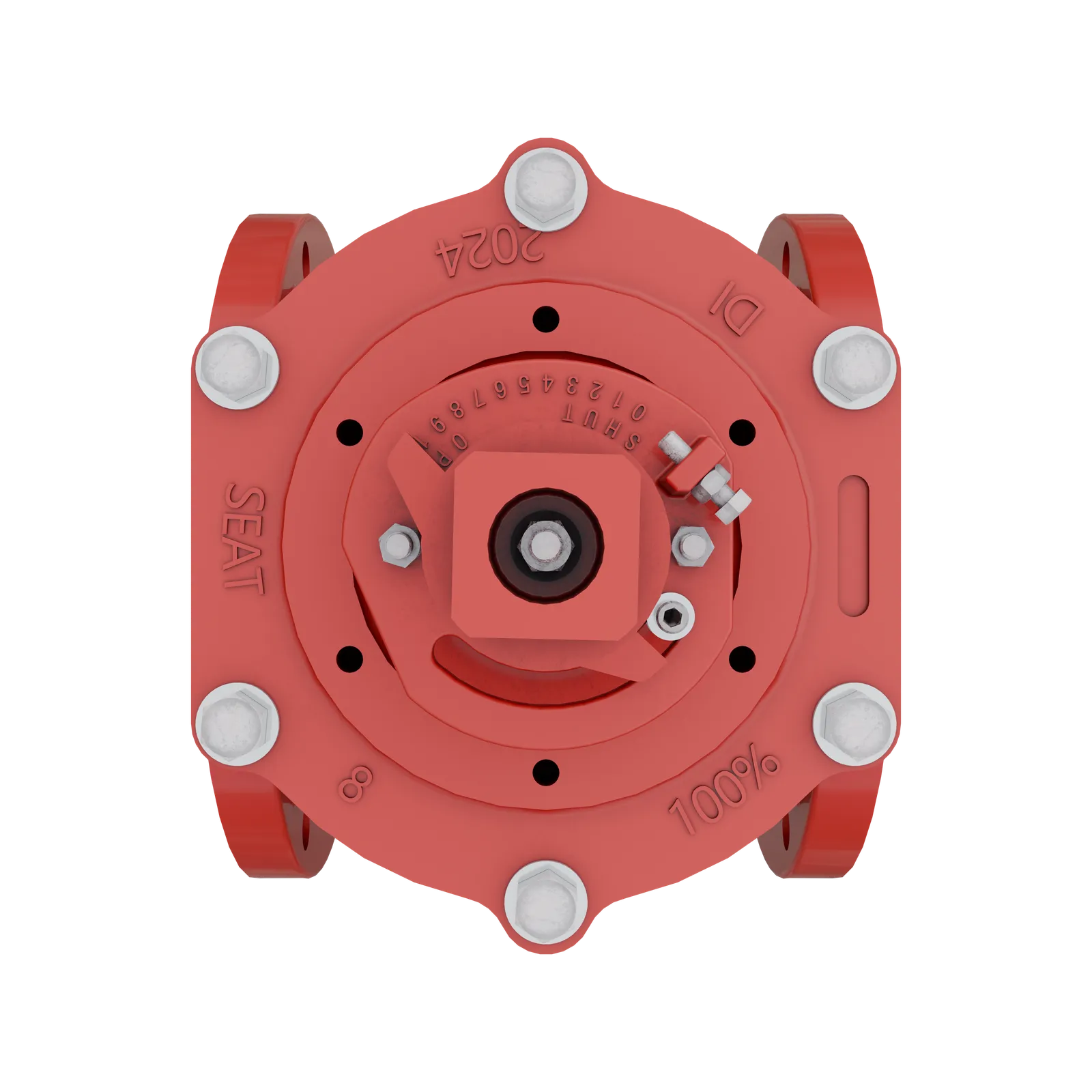
On a call, the rep shares a link and the buyer drives. Interactive 3D lets the buyer orbit the machine on their own screen. A Web AR link puts the machine in the buyer's own space at true scale, with no app to download.
On a quote, product stills do the work. They're photoreal renders built from your CAD: front, side, back, and the shot that sells it. A configuration that was never photographed can still get a picture, once its model exists.
Your quoting process still handles price and option validity. The 3D asset gives the quote something to show.
How does it handle training and spec lookup?
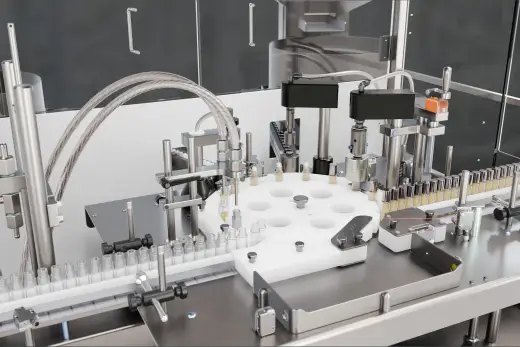
A new dealer rep has to know the machine before they can sell it. A hotspot experience walks them through it part by part, with labeled callouts and guided steps, and without a teardown. Our catalog has hotspot walkthroughs of machines like the Orion CTS twin-station stretch wrapper and the NexPAL 200HL robotic palletizer.
Tidel took the same idea further. We built a self-guided 3D simulation of its TR400 cash recycler, and it replaced physical demos with training that runs year round.
Spec lookup is the quiet win. Pearson's CE15 case erector runs up to 15 cases per minute and the CE30 up to 30. Rehrig Pacific's layer picker, The Bomber, does 40+ exchanges an hour. Those are numbers dealers get asked for, and a labeled hotspot can carry them.
What does the showroom QR to Web AR look like?
The showroom placard becomes a QR code. A customer scans it and the machine appears at true scale in their own space, in a phone browser, with no install.
MES Fire shows how far a QR code travels. Its RevolveAir fill station is trailer-sized, so shipping it to shows was slow and expensive. We built a Web AR experience that prospects open from a QR code on a card, at an event, or in an email. The results: a 7+ minute average session, 5 countries reached, 100+ cities engaged, 3.15 views per user, and shipping costs eliminated.
Basic and up include AR QR business cards, which put the same idea on a card a rep hands across the desk.
Which output fits which dealer job?
| Dealer job | Best-fit output | Turnaround | Included from |
|---|---|---|---|
| Quote attachments, emails, web listings | Product stills | 1 to 2 weeks | Basic (unlimited) |
| Showroom QR, remote demo | Web AR | 3 to 4 weeks | Basic (unlimited) |
| Spec lookup, "what's inside" | Hotspot experience | 3 to 4 weeks | Immersive |
| Rep and technician explainers | Product video | 4 to 6 weeks | Basic edit on Basic, full production with voiceover and scored music from Immersive |
| Live sales call | Interactive 3D | up to 8 weeks | Momentum |
What happens when the product changes?
Product lifecycle visualization means the 3D asset follows the product from launch through every revision. A persistent digital twin of your machine (the published 3D copy dealers open) only helps if it tracks the current configuration.
A revised model goes through the same intake as the original: pick the deliverable, upload the updated STEP file, answer 3 to 7 questions. The model's already on file, so the next asset starts from it.
Dealers only see the update if they know where to look. Give them 1 place.
What goes on a dealer-enablement checklist?
Industrial visualization earns its place with dealers when it clears this list.
- Pick the 3 products dealers ask about most, and start there.
- Upload the STEP file for each one.
- Order stills first (1 to 2 weeks), so quotes stop going out with old photos.
- Add Web AR (3 to 4 weeks) for any machine too big to stock.
- Add hotspot experiences (3 to 4 weeks) for machines with sealed mechanisms.
- Put a QR code on every dealer-facing spec sheet, quote template, and showroom placard.
- Name 1 person who approves revisions and 1 who owns the list of dealer links.
- Open a link a dealer saved last quarter and confirm it shows the current version.
- Read the analytics monthly: AR analytics on every plan, hotspot analytics from Immersive up.
- Walk 1 dealer rep through a live call using it before you announce it to the rest.
Start a request with the STEP file for the machine your dealers ask about most.
Frequently asked questions
How do dealers use 3D product visualization on a sales call?
They share a link, and the buyer either orbits the machine on their own screen or opens a Web AR view in their own space. Interactive 3D is built for live calls, websites, and floor iPads. The rep talks and the buyer drives.
Do dealers need an app to open Web AR?
No. Web AR runs in a phone browser with no app to download, and a QR code opens it. That's what lets a showroom placard or a business card work for any customer.
Can a dealer show a machine they don't stock?
Yes. Web AR places the machine at true scale in the customer's own space, so a showroom with 1 unit (or none) can still show machines it doesn't stock.
How do new dealer reps learn the product with it?
Hotspot experiences walk them through the mechanism part by part, with labeled callouts. Tidel's self-guided TR400 simulation is a working example of training that runs year round.
How do we keep dealer assets current when a product changes?
Send the revised STEP file through the same intake, and the model on file gives the next asset a head start. Then check that dealers' saved links open the current version.